5 Must-Try Comic Maker Tools for Beginners (And the Shortcut to Your Own Comic)
New to comic making? Discover the 5 best beginner-friendly comic maker tools, how to choose a comic book creator, and the fastest way to turn your comic ideas into a finished book.
Creating comics is one of the most satisfying ways to combine art and storytelling in a single format. But if you are new to this world, the big question is always the same — and it is a little paralyzing: where do you actually start?
Deep breath. Here is the good news, and it is bigger than it sounds. You do not need to be a professional artist anymore. You do not even need to draw a hand that looks like a hand instead of a startled spider. A good comic maker — sometimes called a comic book maker or comic book creator — handles the heavy lifting so you can focus on the part that actually matters: your story. With the right tool, your comic ideas can go from a rough sketch in your head to a polished page in an afternoon.
The catch is that there are dozens of options, and each one is absolutely convinced it is the only one you will ever need. Some are built around templates and pre-made assets; others are built for deep customization and digital drawing. Below are five beginner-friendly tools worth trying, an honest take on who each one is really for, and an easier route for anyone who wants the finished comic without touching the software at all.
Why a Comic Maker Is a Beginner's Best Friend
Every great comic starts with creativity, not technical skill. That is not a motivational poster — it is the entire reason a comic maker exists: to keep your creativity front and center while it quietly does the math. Instead of wrestling with panel borders, fonts, and file formats until 1 a.m. (we have all lost that fight), you get drag-and-drop interfaces, ready-made layouts, and asset libraries full of characters, backgrounds, and props.
That freedom is what lets a simple idea grow into a real story. You get to experiment with genre, develop characters with actual personality, and play with layout and color — the visual choices that quietly set your comic's tone. Most tools offer a free tier to learn on and a paid tier that unlocks more assets and export options, so you can start with a budget of exactly zero dollars and upgrade only if you fall hopelessly in love with it.
The 5 Best Comic Maker Tools for Beginners
Each of these comic creator platforms balances an approachable interface with genuinely powerful features. We have flagged who each one is really for, because the best comic maker is the one that matches your project — not the one with the longest feature list and a tutorial video the length of a feature film. Pick based on the kind of comic you want to make.
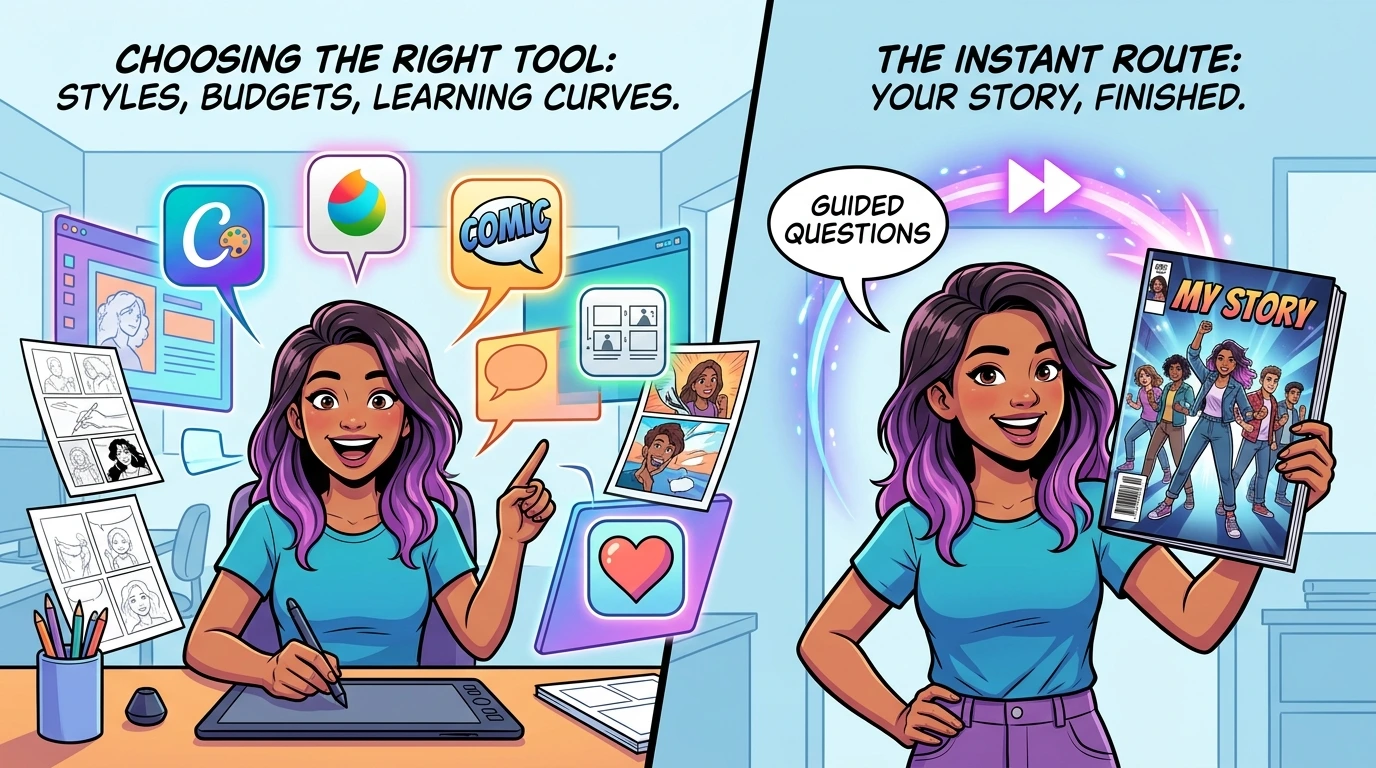
- Canva — The fastest start. Canva's huge template library and drag-and-drop editor make it ideal for diving right in, and its real-time collaboration is great for feedback. The free plan is generous; the main trade-off is that some premium assets and advanced editing live behind a subscription, and serious artists will eventually outgrow it the way you outgrow training wheels.
- My Life in Comics — Best for personalized storytelling. My Life in Comics turns real memories, inside jokes, and personal stories into a beautifully illustrated comic without asking you to learn a single design skill. It shines when you want a finished, professional-quality book that captures your unique story — which makes it a natural fit for gifts, keepsakes, and finally celebrating the moments your family keeps threatening to make into a movie.
- Comic Life — Best for a classic comic-book look. If you want authentic, print-ready pages with traditional speech bubbles and polished layouts, Comic Life nails the aesthetic. It is beginner-accessible with solid tutorials, though a few features need an extra purchase and it is light on advanced digital-art tools.
- Storyboard That — Best for planning and structure. Built around frame-by-frame storyboarding, it helps you outline and sequence your story before you commit a single panel — which is to say, before you discover on page 20 that your hero has no actual ending. Its asset library and education-friendly tools make narrative structure easy, but the most comprehensive features sit behind a paywall.
- MediBang Paint — Best for digital illustration. With a deep set of brushes, layer tools, cloud storage, and drawing-tablet support, MediBang is the pick for illustration-heavy comics. It is free to use with optional premium features. Expect a steeper learning curve in exchange for that creative ceiling — this is the gym membership of comic tools, and it rewards the people who actually show up.
If we had to hand one to an absolute beginner today, we would start with Canva to learn the ropes, or skip straight to My Life in Comics when the goal is a finished, giftable book rather than a brand-new personality trait. Everything else on this list is excellent — it just wants more of your weekends before it pays you back.
How to Choose the Right Comic Maker
The best comic book creator is simply the one that matches your goals. Run through this quick checklist before committing — it will save you from the classic move of downloading the most powerful tool, opening it once, and admiring it from a respectful distance forever.
- Skill level and learning curve — Canva and My Life in Comics are the gentlest entry points; MediBang Paint rewards those ready to learn digital art.
- Project type and narrative focus — choose Storyboard That for planning and structure, My Life in Comics for personal, character-driven stories.
- Customization needs — MediBang Paint for deep illustration control, My Life in Comics for personal memory and story integration, Canva for flexible template design.
- Budget — most tools have a free tier or trial, so confirm the premium features are worth it for your project before you hand over the card.
- Flexibility and compatibility — look for the export formats, collaboration, and device support that fit how you actually work.
Where to Find Your First Comic Ideas
Coming up with strong comic book ideas is easier than it looks. Keep a notebook or notes app handy and capture everything — yes, even the idea that arrives at 2 a.m. sounding like pure genius and reads like nonsense by breakfast, because every so often it is the one. Explore multiple genres, from superhero tales to slice-of-life, and do not be afraid to mix them; the best concepts usually come from combinations nobody asked for. Draw inspiration from the movies, books, and comics you already love, then share your rough ideas with friends. A single conversation can hand you a plot twist you never would have found alone — and occasionally a reason to never tell that friend anything again.
The Shortcut: Get the Comic Without the Design Work
Learning how to create a comic book from scratch is genuinely rewarding — but it takes time, practice, and the kind of patience usually reserved for assembling furniture. And here is the honest part most tool round-ups quietly skip: sometimes you do not want to become the artist. You just want the finished comic — a real story about a real person, ready to gift or keep.
That is exactly what we built My Life in Comics for. Instead of dragging panels around at midnight, you answer a few guided questions about the person and the moments that matter. Our AI then inks those memories into a 32-page, high-definition comic — the same heroic, cinematic result a comic maker promises, minus the learning curve and the startled-spider hands.
It is the easiest comic book creator for people whose talent is the story, not the software. Explore Our Services to see what is possible, or browse ideas like a Kids Hero comic or a Family Memory comic to spark your own.
More Articles
View all articles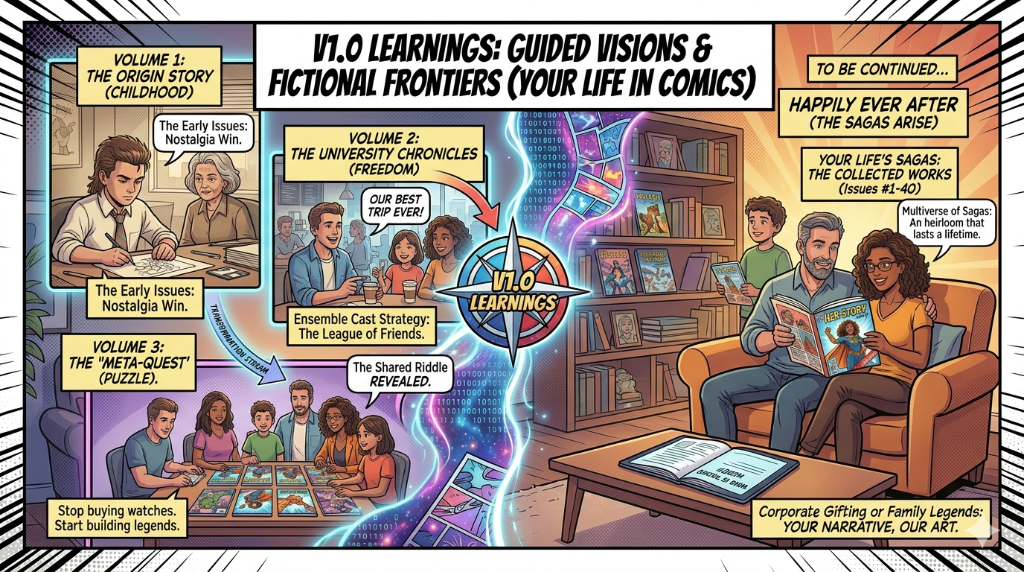
The "Multiverse" of Your Life: Why One Comic is Just the Beginning
A personalized comic does not have to be a one-and-done gift. Discover how to turn your memories into a connected series of life chapters, character issues, and hidden-puzzle adventures.
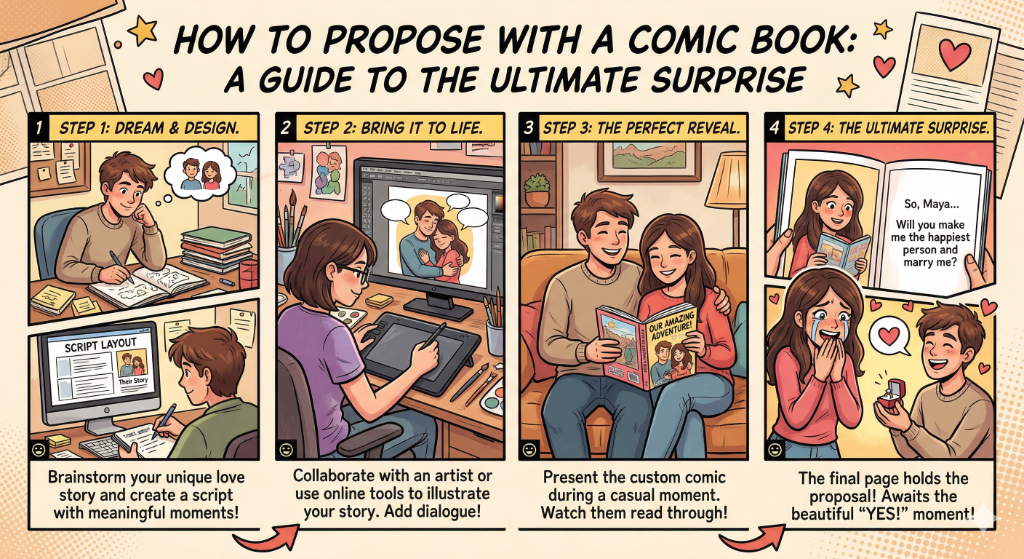
How to Propose with a Comic Book: A Guide to the Ultimate Surprise
Forget stadium jumbotrons. Discover how to craft a Narrative Proposal with a personalized comic book — the most unforgettable way to pop the question.
Retirement Gifts That Don't Suck: Commemorating a 40-Year Career in Panels
Skip the engraved watch. Discover how a personalized comic book turns a 40-year career into a legendary graphic novel — the ultimate retirement tribute.
Why Personalized Stories Beat Flowers Every Time: This Mother's Day, Give a Gift That Never Wilts
This Mother's Day, skip the bouquet. Discover why a personalized comic book is the ultimate gift — one that honors her story and lasts a lifetime.